Direct model entry
The page opens directly on Z Image, so you do not need to switch from the general image page first.

Generate images with Z Image models for text-to-image creation.
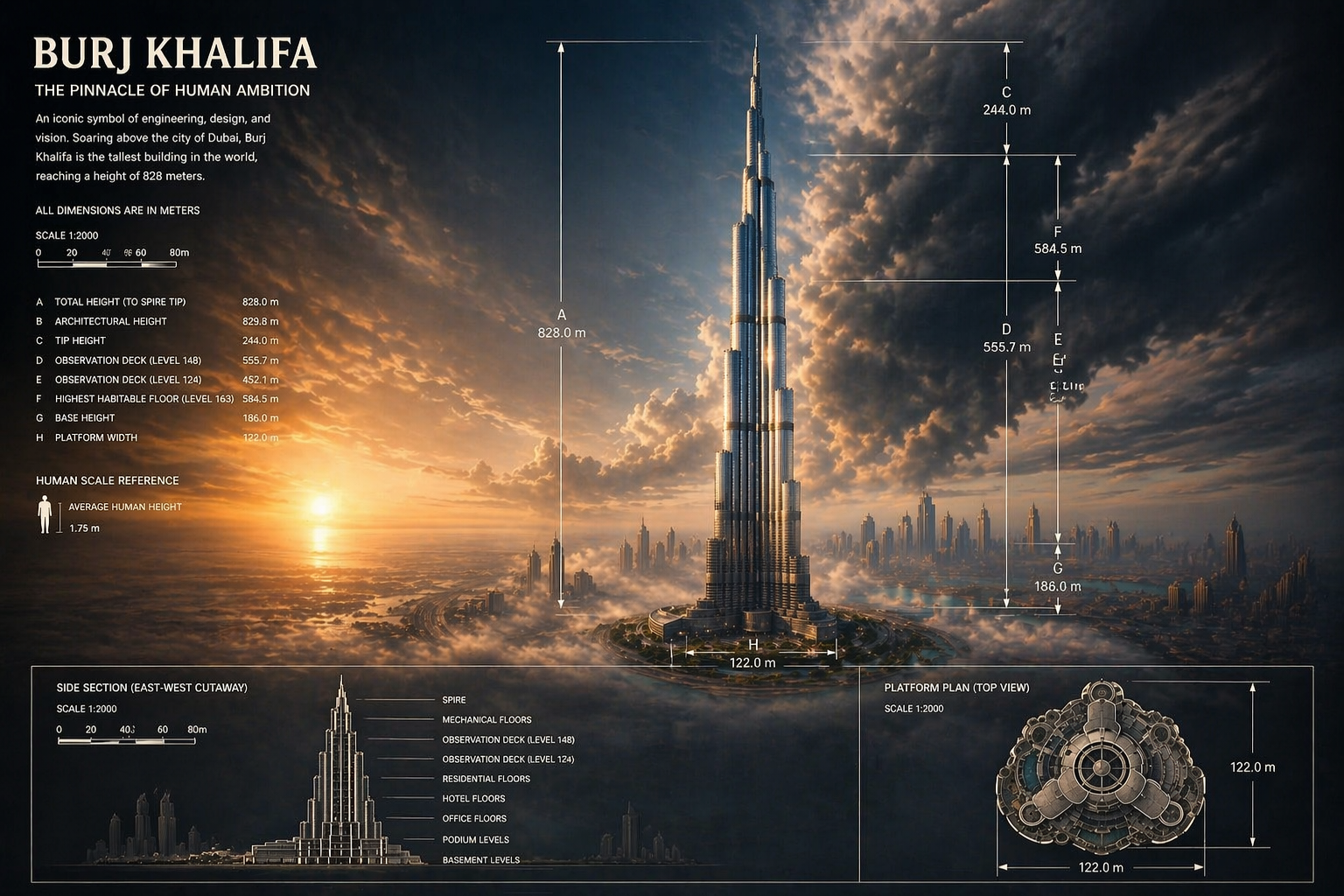
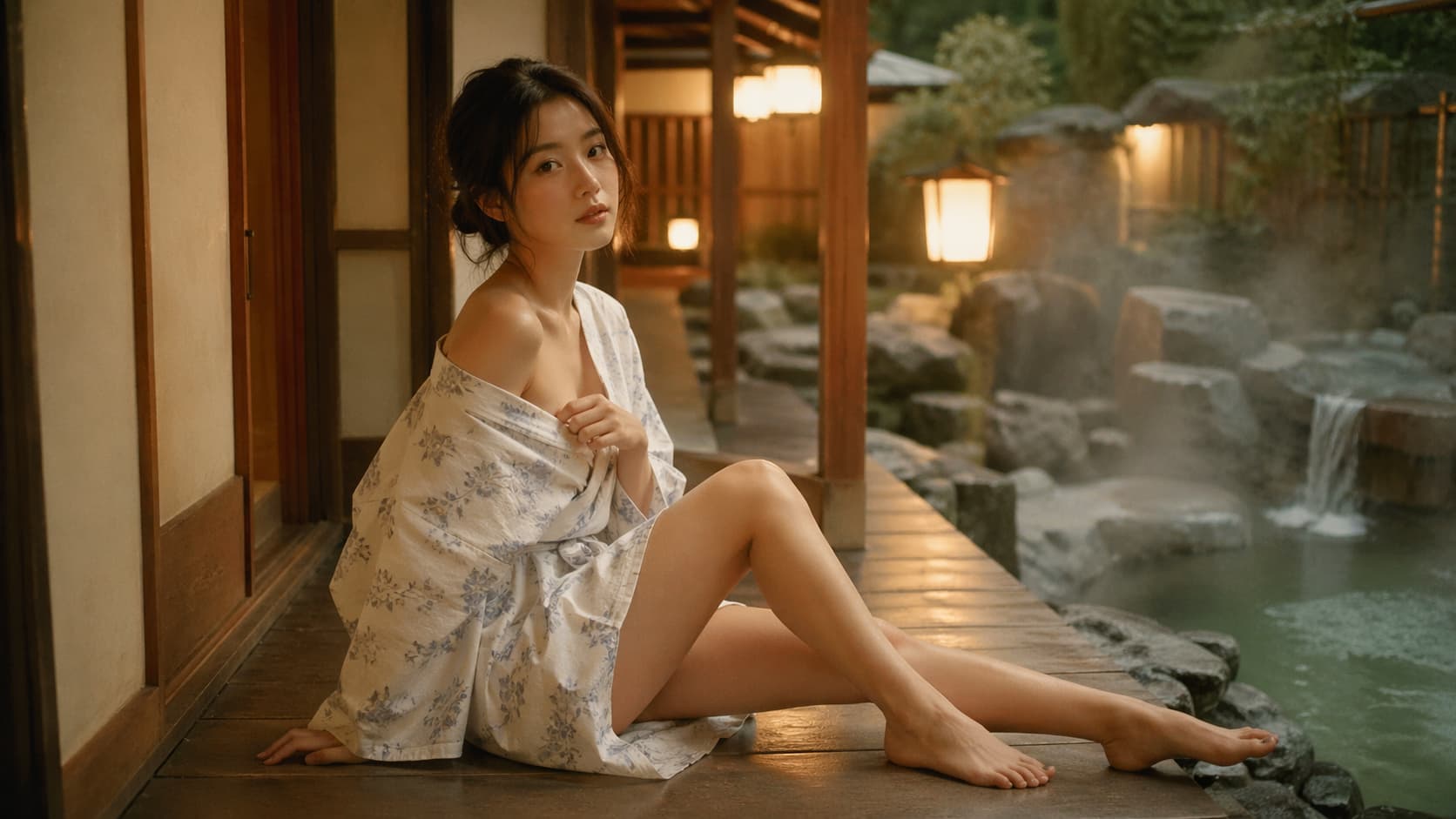
Browse published Z Image work before you generate, then decide which text-to-image directions, compositions, and visual tone are worth taking into your next prompt.
Use still images as visual anchors when you need a clearer subject, style, or composition before generating video.
Create supporting visual frames and references that help you refine the next video generation.
Keep model positioning, public examples, and text-to-image entry on one page instead of spreading the path across multiple steps.
The page opens directly on Z Image, so you do not need to switch from the general image page first.
Review public Z Image outputs before deciding which prompt and composition ideas are worth trying next.
Review examples and guidance first, then continue into generation without leaving the same page.
Common questions about fit, example value, and the model-page path stay inside the same page.
It is simpler to compare which wording, composition, and focus choices create more stable first-pass results.
After examples and copy do their work, users can keep moving toward credits without looping back to the homepage.
It fits creators who need fast text-to-image drafts for covers, poster ideas, and visual directions that may need several prompt rounds.
I use Z Image to explore cover concepts quickly when I need several readable directions before I choose one to polish.

Independent Illustrator
For landing-page art, it is a fast way to turn a short value prop into a workable visual direction.

Solo Founder
I like it for poster and article visuals because it helps me test tone and layout balance from text alone.

Editorial Designer
When clients need several first-round concepts, Z Image lets me show distinct routes without overbuilding the first pass.

Freelance Art Director
For campaign art, it helps me compare product emphasis and supporting props before I finalize a creative direction.

Marketplace Seller
I use it for course covers and sales-page visuals when I want a discussable image quickly from a simple written idea.

Course Creator
I use Z Image to explore cover concepts quickly when I need several readable directions before I choose one to polish.
Independent Illustrator
For landing-page art, it is a fast way to turn a short value prop into a workable visual direction.
Solo Founder
I like it for poster and article visuals because it helps me test tone and layout balance from text alone.
Editorial Designer
When clients need several first-round concepts, Z Image lets me show distinct routes without overbuilding the first pass.
Freelance Art Director
For campaign art, it helps me compare product emphasis and supporting props before I finalize a creative direction.
Marketplace Seller
I use it for course covers and sales-page visuals when I want a discussable image quickly from a simple written idea.
Course Creator
I use Z Image to explore cover concepts quickly when I need several readable directions before I choose one to polish.
Independent Illustrator
I like it for poster and article visuals because it helps me test tone and layout balance from text alone.
Editorial Designer
For campaign art, it helps me compare product emphasis and supporting props before I finalize a creative direction.
Marketplace Seller
I use Z Image to explore cover concepts quickly when I need several readable directions before I choose one to polish.
Independent Illustrator
I like it for poster and article visuals because it helps me test tone and layout balance from text alone.
Editorial Designer
For campaign art, it helps me compare product emphasis and supporting props before I finalize a creative direction.
Marketplace Seller
For landing-page art, it is a fast way to turn a short value prop into a workable visual direction.
Solo Founder
When clients need several first-round concepts, Z Image lets me show distinct routes without overbuilding the first pass.
Freelance Art Director
I use it for course covers and sales-page visuals when I want a discussable image quickly from a simple written idea.
Course Creator
For landing-page art, it is a fast way to turn a short value prop into a workable visual direction.
Solo Founder
When clients need several first-round concepts, Z Image lets me show distinct routes without overbuilding the first pass.
Freelance Art Director
I use it for course covers and sales-page visuals when I want a discussable image quickly from a simple written idea.
Course Creator
I use Z Image to explore cover concepts quickly when I need several readable directions before I choose one to polish.
Independent Illustrator
When clients need several first-round concepts, Z Image lets me show distinct routes without overbuilding the first pass.
Freelance Art Director
I use Z Image to explore cover concepts quickly when I need several readable directions before I choose one to polish.
Independent Illustrator
When clients need several first-round concepts, Z Image lets me show distinct routes without overbuilding the first pass.
Freelance Art Director
For landing-page art, it is a fast way to turn a short value prop into a workable visual direction.
Solo Founder
For campaign art, it helps me compare product emphasis and supporting props before I finalize a creative direction.
Marketplace Seller
For landing-page art, it is a fast way to turn a short value prop into a workable visual direction.
Solo Founder
For campaign art, it helps me compare product emphasis and supporting props before I finalize a creative direction.
Marketplace Seller
I like it for poster and article visuals because it helps me test tone and layout balance from text alone.
Editorial Designer
I use it for course covers and sales-page visuals when I want a discussable image quickly from a simple written idea.
Course Creator
I like it for poster and article visuals because it helps me test tone and layout balance from text alone.
Editorial Designer
I use it for course covers and sales-page visuals when I want a discussable image quickly from a simple written idea.
Course Creator
The discussion around Z Image is more tooling-oriented, so these references focus on editing support and creator experiments.
ModelScope
@ModelScope2022
ModelScope announced free LoRA training support for Z-Image-Turbo and Z-Image-Edit, which makes the model feel grounded in practical build workflows.
fal
@fal
fal shipped Z-Image Turbo on day zero and emphasized photorealism, prompt adherence, and ultra-fast generation latency.
ComfyUI
@ComfyUI
ComfyUI included Z-Image as a model worth using for style-native image generation and LoRA-based style workflows.
Lux
@lavitx
Lux posted a Z-Image result using a shared prompt workflow, tying the model to actual creator experimentation.
AI写真ラボ
@AIPixLab
AI写真ラボ shared a Z-Image Turbo prompt collection built around realistic portraits, showing that repeatable prompt systems are forming around the model.
Ai-Hakase
@ai_hakase_
Ai-Hakase flagged stable-diffusion.cpp support for Z-image, which is still one of the clearest public signals that the model is part of lightweight local tooling.
These questions focus on text-to-image fit, example value, and the model-page workflow users ask about most often.
Still have a question? Email support@geminivideos.com.
It is a good fit for text-to-image kickoff work, covers, poster drafts, and image tasks where the main goal is to validate direction quickly.
This page stays focused on Z Image and keeps model-specific examples, positioning, FAQs, and pricing in one path.
Yes. This page keeps the main generation path available, so you can review examples and continue into generation in the same flow.
Explore is optional. If there is nothing to show, the rest of the marketing content, FAQs, and pricing still render normally.
This page stays focused on Z Image as a text-to-image path, so the positioning here is about turning one written idea into a first discussable image quickly.
Subscribe to unlock all video and image models, plus more services.
Billed $169 USD / year
Includes
Billed $339 USD / year
Includes
Billed $856 USD / year
Includes
Get to subject, composition, and hero emphasis quickly, then decide which direction deserves deeper production work.
