

Gemini Omni: Amazing AI Video Generation
Create AI videos with Gemini Omni from text, images, references, and precise creative direction.
Published cases
Explore Gemini Omni video examples
Browse AI video examples for motion control, editing direction, reference use, and HD output inspiration before starting a Gemini Omni draft.
What is Gemini Omni AI Video Generator?
Image to Video with Gemini Omni
Turn reference images into cinematic motion while planning Gemini Omni image-to-video direction for products, social clips, storyboards, and visual concepts.
Original Image

Prompt
ultra realistic high fashion photograph of Emilia Clarke sitting on fresh white snow outdoors in winter. Recognizable facial structure and likeness of Emilia Clarke: oval face shape, soft youthful features, expressive almond-shaped green eyes, naturally full lips, straight petite nose, balanced facial symmetry. Natural winter blush on cheeks and nose. Calm confident expression with a subtle closed-mouth smile, looking directly into the camera. She is seated on the snow with legs bent forward, slightly apart, hands placed behind her for support. Camera angle slightly above eye level, gently looking down. She wears a fitted ribbed sleeveless zip-up yellow bodysuit and pink cable-knit thigh-high socks. Elegant minimal winter fashion styling. Slim, petite, feminine body proportions. Fair-to-light skin tone with natural texture. Background is a snow-covered ground with a dragon partially visible. Natural overcast winter daylight, soft diffused lighting, no harsh shadows, cinematic realism, high skin detail, realistic color grading.
Video
Original Image
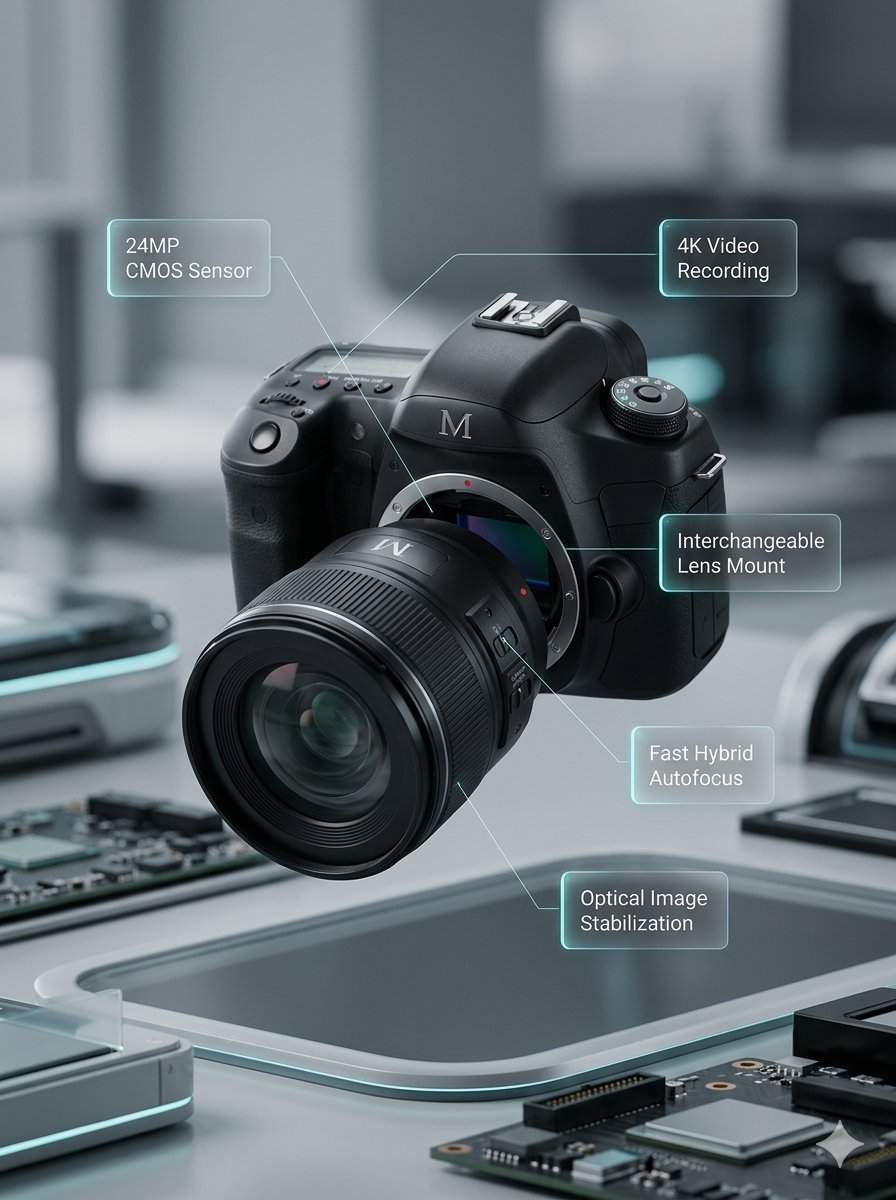
Prompt
Lens segments combine and move back. Left and right body sections close together. Upper body section moves down. Annotations smoothly appear.
Video
Original Image
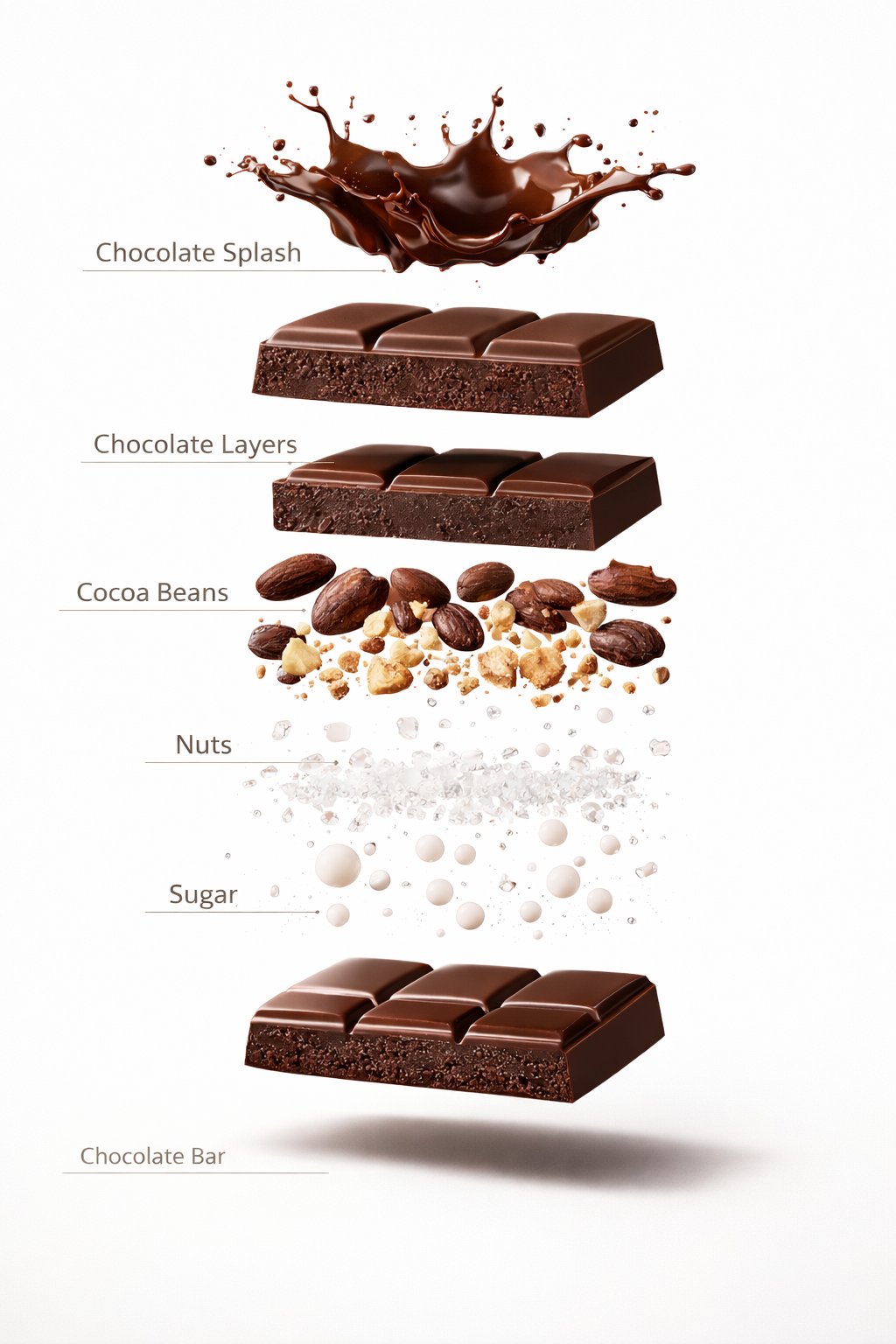
Prompt
A premium dessert product photograph of a luxury chocolate bar partially unwrapped and centered against a rich warm brown seamless studio background. The chocolate has glossy texture, crisp edges, and a high-end confectionery appearance. Soft cinematic studio lighting, subtle shadows, ultra-sharp focus, premium food advertisement style, hyper realistic, 8K.
Video
Original Image
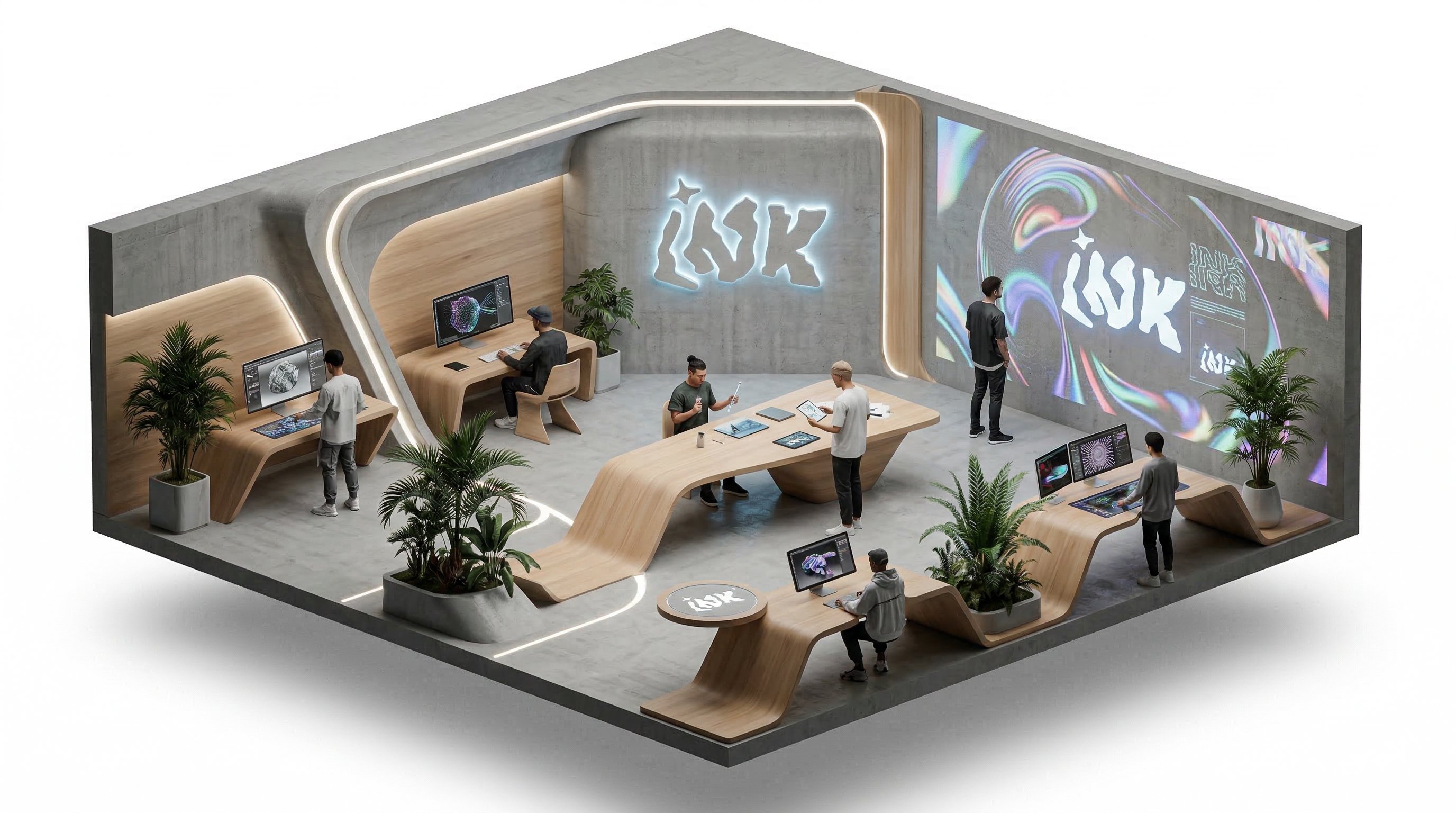
Prompt
isometric office, people working and talking, slow rotation around the isometric scene
Video
Text to Video with Gemini Omni
Describe the scene, camera motion, timing, and style you want before creating a Gemini Omni text-to-video draft.
Reference images for stronger video direction
Use still images as visual anchors when you need a clearer subject, style, or composition before generating video.
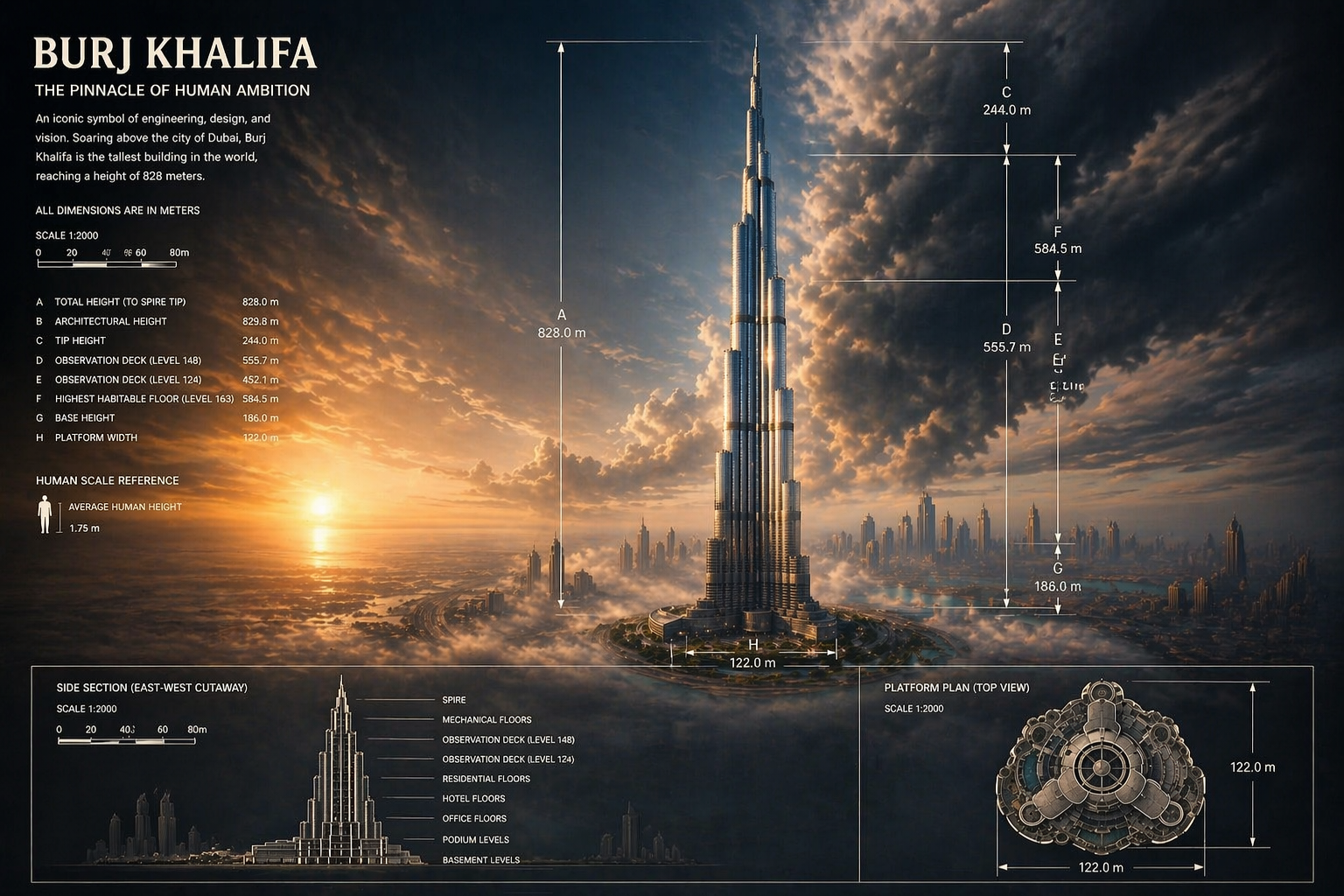
Prompt to visual concept
Create supporting visual frames and references that help you refine the next video generation.
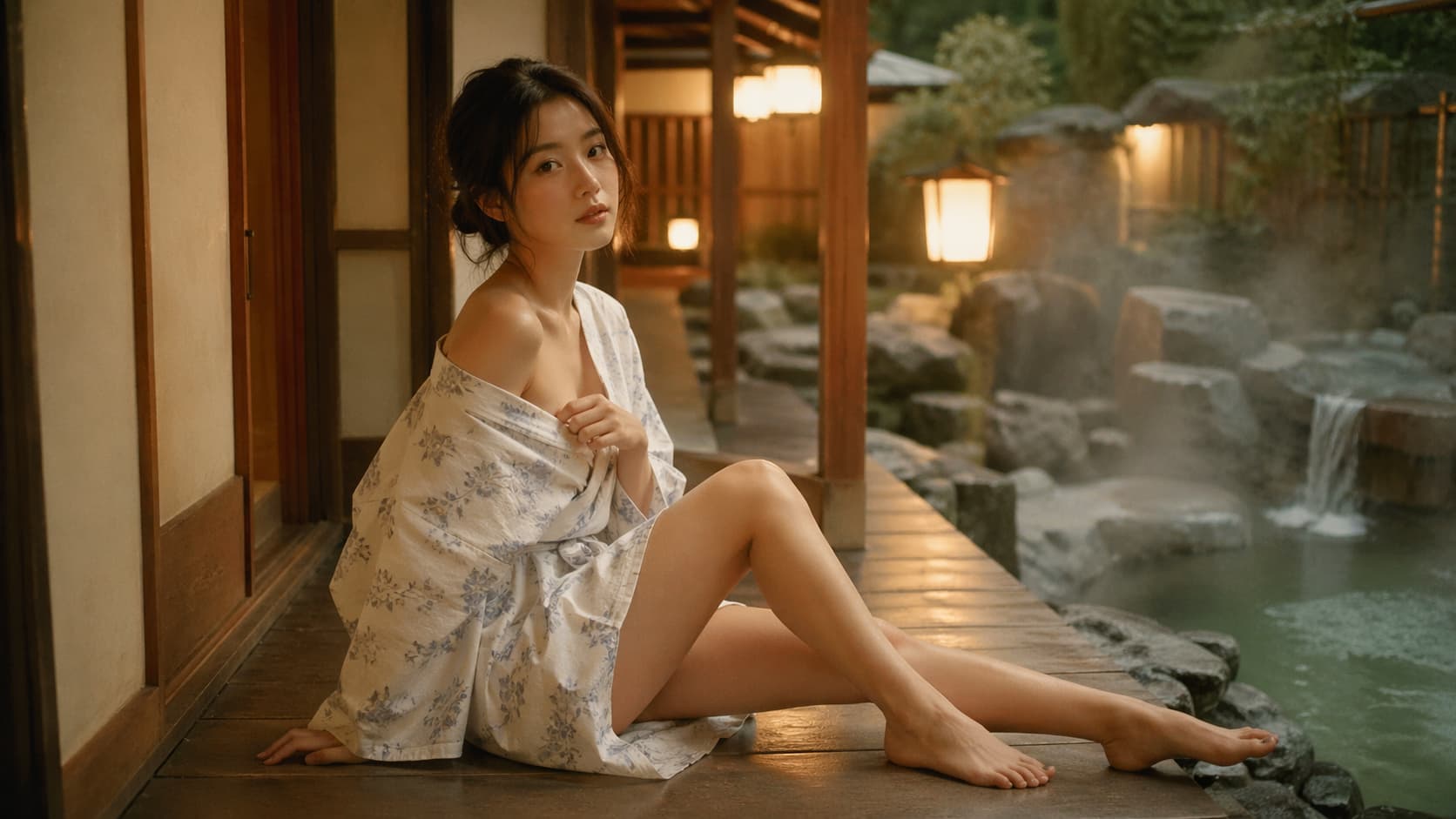
Built for high-quality AI video creation
Gemini Omni keeps the workflow focused on Gemini Omni: prompt planning, reference-driven creation, editing-friendly output, and HD video results.
Gemini Omni video workflow
Start from a focused Gemini Omni video workflow instead of a broad model marketplace.
Text, image, and reference inputs
Plan text-to-video, image-to-video, and reference-to-video drafts with the right source material for each scene.
Fine-grained video control
Describe camera movement, subject motion, timing, and transitions so each Gemini Omni draft has clearer direction.
Editing-friendly HD output
Shape video drafts around HD clarity and revision-heavy workflows for social, product, and marketing assets.
Example-driven exploration
Review public examples before choosing a prompt direction for your own video.
Credits and history in one place
Keep generation usage, task history, and downloads organized as the site grows.
User Reviews
Why users keep Gemini Omni in the workflow
What matters is not a one-time demo. It is whether prompts, references, and outputs stay easier to manage every time someone comes back to create.
We stop wasting time moving prompts, references, and exports between different tools. The team stays in one production rhythm.

Lena
Creative Lead
We can compare motion, stills, and edit-heavy image work without rebuilding the workflow every time a model changes.

Marcus
Growth Designer
The value is speed with continuity. Public examples, generation history, and pricing live in one path instead of scattered pages.

Aya
Brand Studio Producer
I can test a cover image, generate a matching clip, and go back to edit the same idea without leaving the product.

Noah
Short-form creator
When I need fast product visuals, I would rather compare models in one place than guess which separate tool fits the task.

Mina
Ecommerce operator
It shortens the distance between exploration and delivery. That matters more than any single flashy model launch.

Theo
Freelance editor
We stop wasting time moving prompts, references, and exports between different tools. The team stays in one production rhythm.
Lena
Creative Lead
We can compare motion, stills, and edit-heavy image work without rebuilding the workflow every time a model changes.
Marcus
Growth Designer
The value is speed with continuity. Public examples, generation history, and pricing live in one path instead of scattered pages.
Aya
Brand Studio Producer
I can test a cover image, generate a matching clip, and go back to edit the same idea without leaving the product.
Noah
Short-form creator
When I need fast product visuals, I would rather compare models in one place than guess which separate tool fits the task.
Mina
Ecommerce operator
It shortens the distance between exploration and delivery. That matters more than any single flashy model launch.
Theo
Freelance editor
We stop wasting time moving prompts, references, and exports between different tools. The team stays in one production rhythm.
Lena
Creative Lead
The value is speed with continuity. Public examples, generation history, and pricing live in one path instead of scattered pages.
Aya
Brand Studio Producer
When I need fast product visuals, I would rather compare models in one place than guess which separate tool fits the task.
Mina
Ecommerce operator
We stop wasting time moving prompts, references, and exports between different tools. The team stays in one production rhythm.
Lena
Creative Lead
The value is speed with continuity. Public examples, generation history, and pricing live in one path instead of scattered pages.
Aya
Brand Studio Producer
When I need fast product visuals, I would rather compare models in one place than guess which separate tool fits the task.
Mina
Ecommerce operator
We can compare motion, stills, and edit-heavy image work without rebuilding the workflow every time a model changes.
Marcus
Growth Designer
I can test a cover image, generate a matching clip, and go back to edit the same idea without leaving the product.
Noah
Short-form creator
It shortens the distance between exploration and delivery. That matters more than any single flashy model launch.
Theo
Freelance editor
We can compare motion, stills, and edit-heavy image work without rebuilding the workflow every time a model changes.
Marcus
Growth Designer
I can test a cover image, generate a matching clip, and go back to edit the same idea without leaving the product.
Noah
Short-form creator
It shortens the distance between exploration and delivery. That matters more than any single flashy model launch.
Theo
Freelance editor
We stop wasting time moving prompts, references, and exports between different tools. The team stays in one production rhythm.
Lena
Creative Lead
I can test a cover image, generate a matching clip, and go back to edit the same idea without leaving the product.
Noah
Short-form creator
We stop wasting time moving prompts, references, and exports between different tools. The team stays in one production rhythm.
Lena
Creative Lead
I can test a cover image, generate a matching clip, and go back to edit the same idea without leaving the product.
Noah
Short-form creator
We can compare motion, stills, and edit-heavy image work without rebuilding the workflow every time a model changes.
Marcus
Growth Designer
When I need fast product visuals, I would rather compare models in one place than guess which separate tool fits the task.
Mina
Ecommerce operator
We can compare motion, stills, and edit-heavy image work without rebuilding the workflow every time a model changes.
Marcus
Growth Designer
When I need fast product visuals, I would rather compare models in one place than guess which separate tool fits the task.
Mina
Ecommerce operator
The value is speed with continuity. Public examples, generation history, and pricing live in one path instead of scattered pages.
Aya
Brand Studio Producer
It shortens the distance between exploration and delivery. That matters more than any single flashy model launch.
Theo
Freelance editor
The value is speed with continuity. Public examples, generation history, and pricing live in one path instead of scattered pages.
Aya
Brand Studio Producer
It shortens the distance between exploration and delivery. That matters more than any single flashy model launch.
Theo
Freelance editor
Creator Updates
See what creators are watching in AI generation
Curated public examples and model updates to help you follow common directions across AI video generation, AI image generation, character consistency, storyboarding, and finished clips.
S
SARAH
@SarahAnnabels
Sarah framed Seedance 2.0 in CapCut as a true one-workflow setup for generating, editing, and publishing without bouncing between tools.
Seedance 2.0Workflow
@SarahAnnabelsOpen post
M|
Mustafy | AI Video Creator
@MustafyOf
Mustafy showed Veo 3.1 voice assignment in Flow by Google as a practical workflow upgrade for consistent dialogue and character delivery.
Veo 3.1Voice Control
@MustafyOfOpen post
OD
OpenAI Developers
@OpenAIDevs
OpenAI Developers introduced new Sora 2 Video API capabilities like custom characters, vertical exports, continuation, and batch generation.
Sora 2Video API
@OpenAIDevsOpen post
BA
Bisma AI
@Bisma_hunn
Bisma AI used Kling 3.0 motion control to demonstrate strong character consistency through a full dance sequence, even on mobile.
Kling 3.0Motion Control
@Bisma_hunnOpen post
GA
Google AI Developers
@googleaidevs
Google AI Developers positioned Nano Banana 2 as a faster, lower-cost image model with upgraded generation and editing capabilities worth watching.
Nano Banana 2Official
@googleaidevsOpen post
H
Harboris
@harboriis
Harboris shared a GPT Image 1.5 storyboard prompt focused on keeping the same character consistent across many cinematic camera angles.
GPT Image 1.5Storyboard
@harboriisOpen post
FAQ
Gemini Omni FAQ
Answers about Gemini Omni video generation, text-to-video, image-to-video, credits, accounts, and commercial usage.
Need help? Contact support@geminivideos.com.
What is Gemini Omni?
+
Gemini Omni is an AI video generator focused on creating cinematic videos from text prompts and images. It gives creators a simple place to start generating high-quality motion assets.
Can I create videos from both text and images?
+
Yes. You can start with a text prompt, or use reference images when you want stronger control over the subject, style, and composition.
Is Gemini Omni an official Google website?
+
No. Gemini Omni is an independent website for AI video generation and is not an official Google website or official product page.
What can I make with Gemini Omni?
+
You can create short-form videos, ads, product visuals, concept scenes, storyboards, social clips, and other creative video assets.
Do I need an account to generate videos?
+
You can review public pages and examples first. Sign in when you are ready to generate, save history, use credits, and manage downloads.
How do credits work?
+
Generation uses credits. Credit cost can vary by model, quality, duration, and generation mode.
Can I use generated videos commercially?
+
Gemini Omni is designed for commercial creative workflows, but final usage rights depend on your inputs, selected model terms, and how you use the output.
Pricing
Subscribe to unlock all video and image models, plus more services.
Starter
$29 USD
$14.2 USD / month
400 base credits+5 reward credits / day
Billed $169 USD / year
Save more by stocking up credits for a year of video and image generation.
Includes
- Up to 550 credits/month
- Up to 150 claimable reward credits totally
- History saved for 180 days
- 3 concurrent tasks
Popular
Standard
$58 USD
$28.25 USD / month
800 base credits+200 bonus credits+8 reward credits / day
Billed $339 USD / year
A balanced plan for regular video and image generation.
Includes
- Up to 1240 credits/month
- Up to 240 claimable reward credits totally
- History saved for 180 days
- 5 concurrent tasks
Premium
$139 USD
$71.33 USD / month
2000 base credits+1200 bonus credits+20 reward credits / day
Billed $856 USD / year
Best for teams and heavy video and image generation workloads.
Includes
- Up to 3800 credits/month
- Up to 600 claimable reward credits totally
- History saved for 180 days
- Unlimited concurrency
Start a Gemini Omni video draft
Write a detailed prompt, review AI video examples, and prepare precise HD video drafts with Gemini Omni.
Company: Lotook, LLCAddress: 131 Continental Dr, Suite 305, Newark, DE 19713, United StatesContact: support@geminivideos.com
